Product visuals
Explore a camera move around a product photo before planning a shoot.
Animate a photo, product image or illustration. Describe the motion and make your first frame move.
Use authorized material only. Model-specific limits apply. Content policy
Turn a static visual into a moving scene for a social post, product concept or creative project. Your image establishes the look; your prompt guides what happens next.
Explore a camera move around a product photo before planning a shoot.
Try subtle motion while retaining the visual direction of your artwork.
Create a short moving variation of an image for your next post.
Upload a clear photo, illustration or product image you own or have permission to use. The selected model lists its supported input formats and limits.
Name one action and one camera movement. Explain what should stay consistent, such as the subject, composition or illustration style.
Choose a model and output settings, then check the credit cost. Follow progress in the studio and download the completed clip from My creations.
AI concept images for inspiration. Choose a starting prompt and make it your own.

“Slowly orbit the product. Keep its shape and label consistent. Soft studio lighting, a clean background, one continuous shot.”
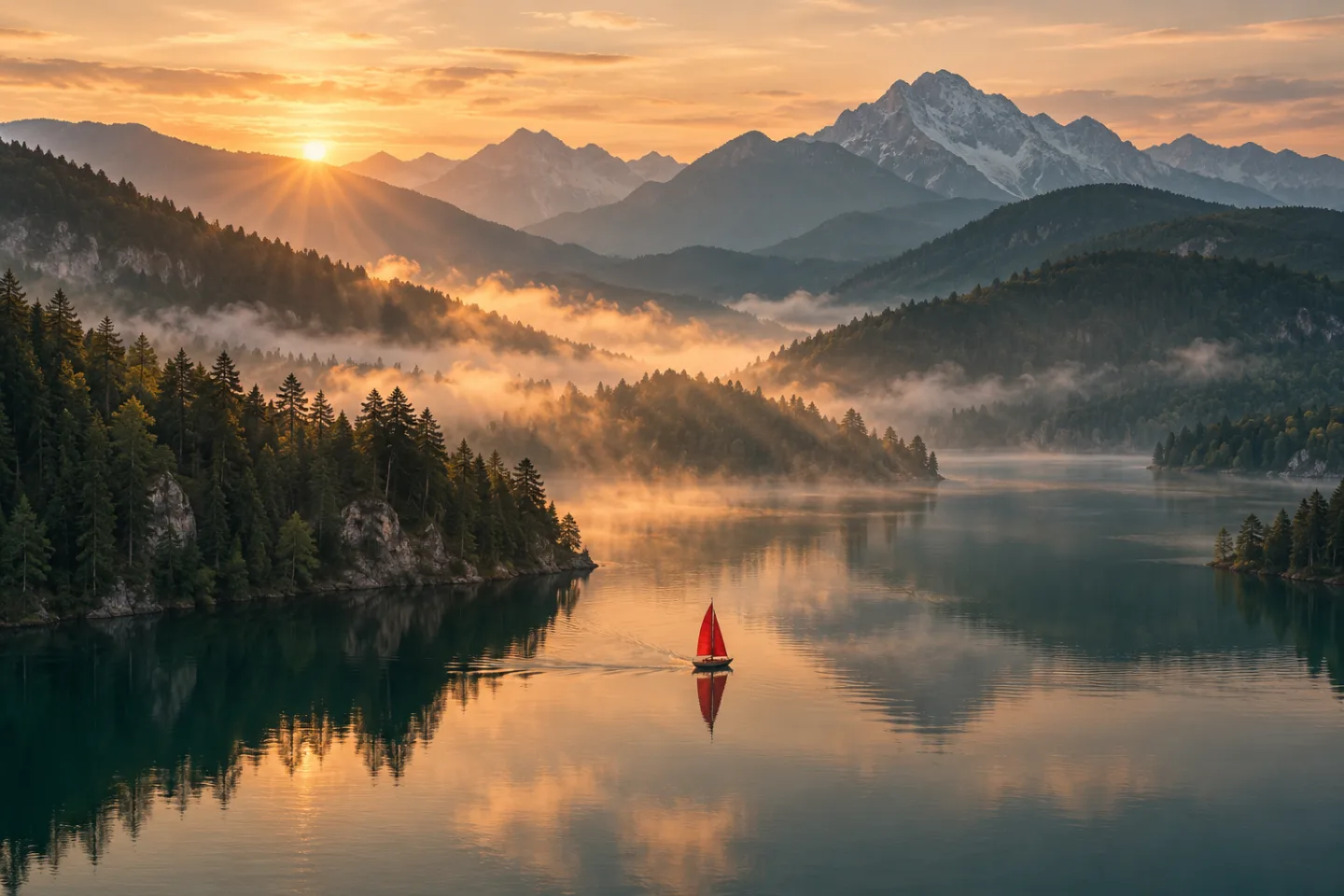
“A gentle breeze moves the trees and ripples the water. Slow camera push-in, natural morning light. Keep the scene composition consistent.”
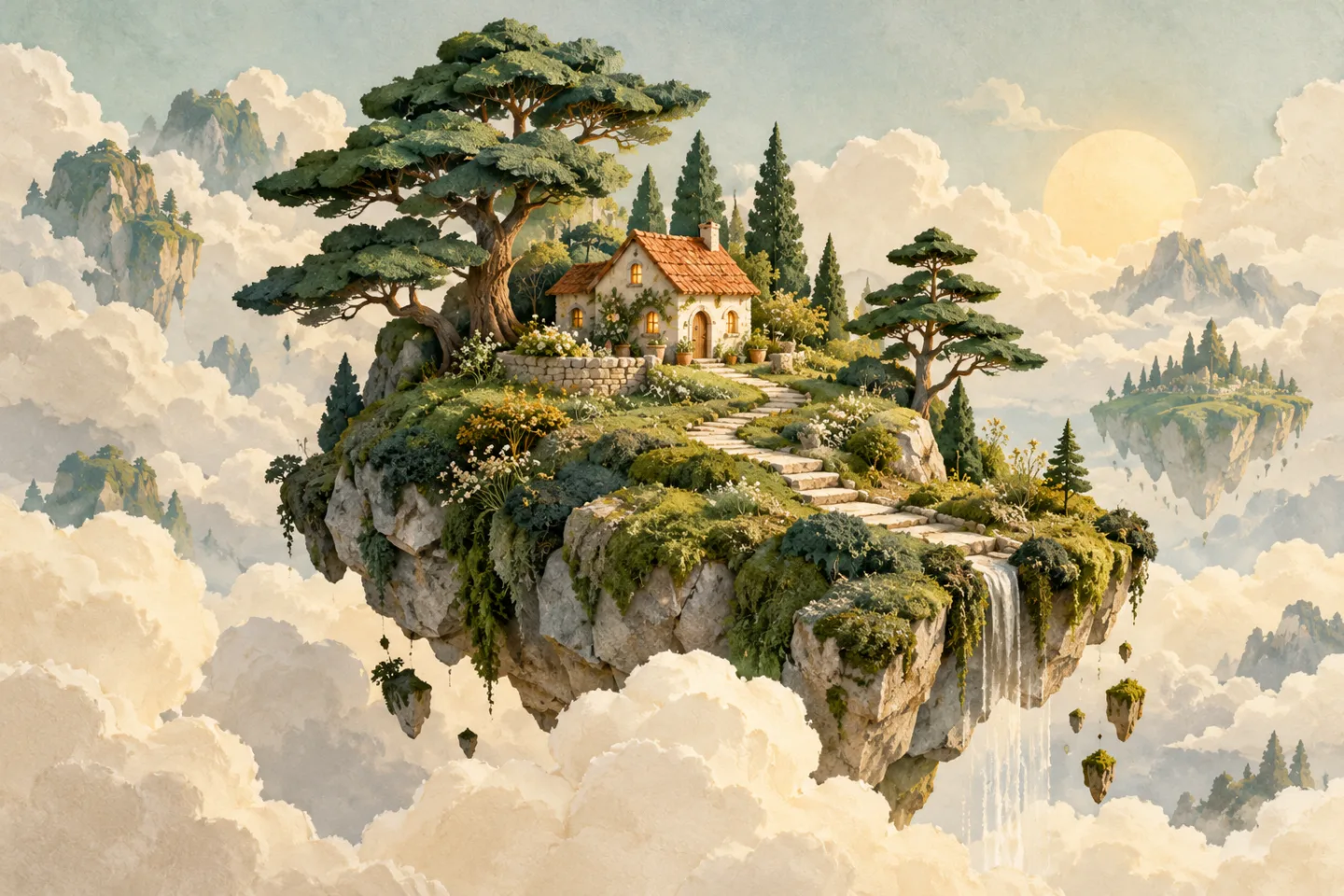
“Add subtle movement to the clouds and foliage. Keep the illustrated style and main subject consistent. A steady camera, soft atmospheric motion.”
Compare available starting configurations, then choose the settings for your next video.
Text to video
Text to video
Text to video
Text to video
Image to video
Available models and credit costs can change. Check the selected configuration before generating.
It uses an uploaded image as the visual starting point for a short generated clip. A motion prompt guides the action and camera. It can introduce new details, so it is not a frame-perfect animation of the original.
Use a sharp, well-lit image with a clear subject and some space around it. Simple compositions are easier to describe. Avoid tiny text, crowded scenes and heavy blur if consistency matters.
Exact consistency is not guaranteed. AI can alter faces, hands, lettering and geometry. Review each result before publishing it, especially when a recognizable person or product is involved.
The upload control displays the formats, size limit and number of images accepted by your selected model. Files are validated before generation; unsupported files cannot be submitted.
Yes. The Text to Video tool on the homepage creates a scene from a written prompt. Use Image to Video when a particular starting frame matters.
Only use images you have permission to process and publish. Do not impersonate people or generate deceptive, sexual or abusive depictions. See the Content Policy for the full rules.